Digital creators find clarity at PioCreat Africa
Illustrators, animators, editors and creative technologists often work alone for long stretches, then hit the same problem: the work is good but the next step is unclear. Maybe the pitch deck needs tightening, maybe the pricing is too low, or maybe the creator needs a producer, sound person or motion designer to help finish the brief. Our digital creators use case is built for that in-between stage where talent is there but structure is still messy.
In Braamfontein, Johannesburg, we run creator meetups, showcases and mentorship circles for people working across South Africa and the continent. Members join from Cape Town, Durban, Pretoria, Nairobi and online. The point is practical connection, not a talk-shop. You bring the work, the questions and the deadlines. We help shape the next move and connect the right people in the room.
- Illustrators needing feedback on series, commissions or character work
- Animators preparing reels, pitch packs or festival submissions
- Editors and motion teams tightening delivery timelines and scope
- Creative technologists building screen-based work, tools or interactive pieces
Typical equipment set for screen-based work
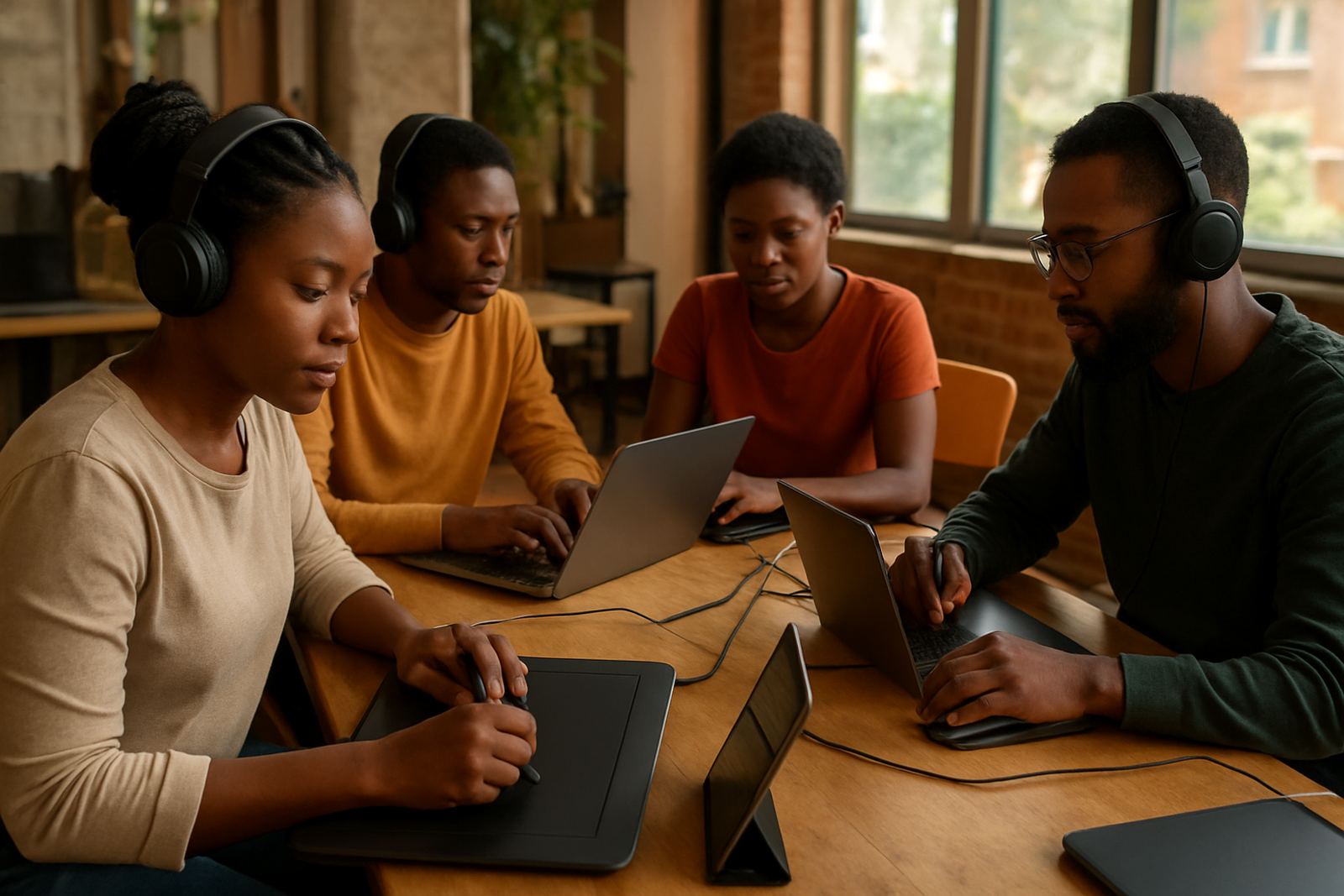
The kit for digital creators depends on the kind of work, but most setups are built around a reliable computer, a colour-accurate screen and storage that can handle large files. For animation and editing, a fast processor, enough RAM and proper backup are non-negotiable. If you are moving around for collaborations or campus sessions, a laptop with good battery life helps, especially when load-shedding interrupts charging windows.
For studios and home setups in Johannesburg or coastal cities like Durban and Cape Town, heat and humidity also matter. Screens should not sit near damp walls or in cramped spaces with no airflow. External drives, a small UPS, and a tidy cable run save time when a deadline lands and the power dips. We also see a lot of creators using tablets, cameras, microphones and lighting for portfolio shoots or process content.
- Laptop or tower computer with at least 16GB RAM for lighter work, 32GB for heavier timelines
- Pen tablet or display tablet for illustration and storyboard work
- External SSD or hard drive for working files and archive storage
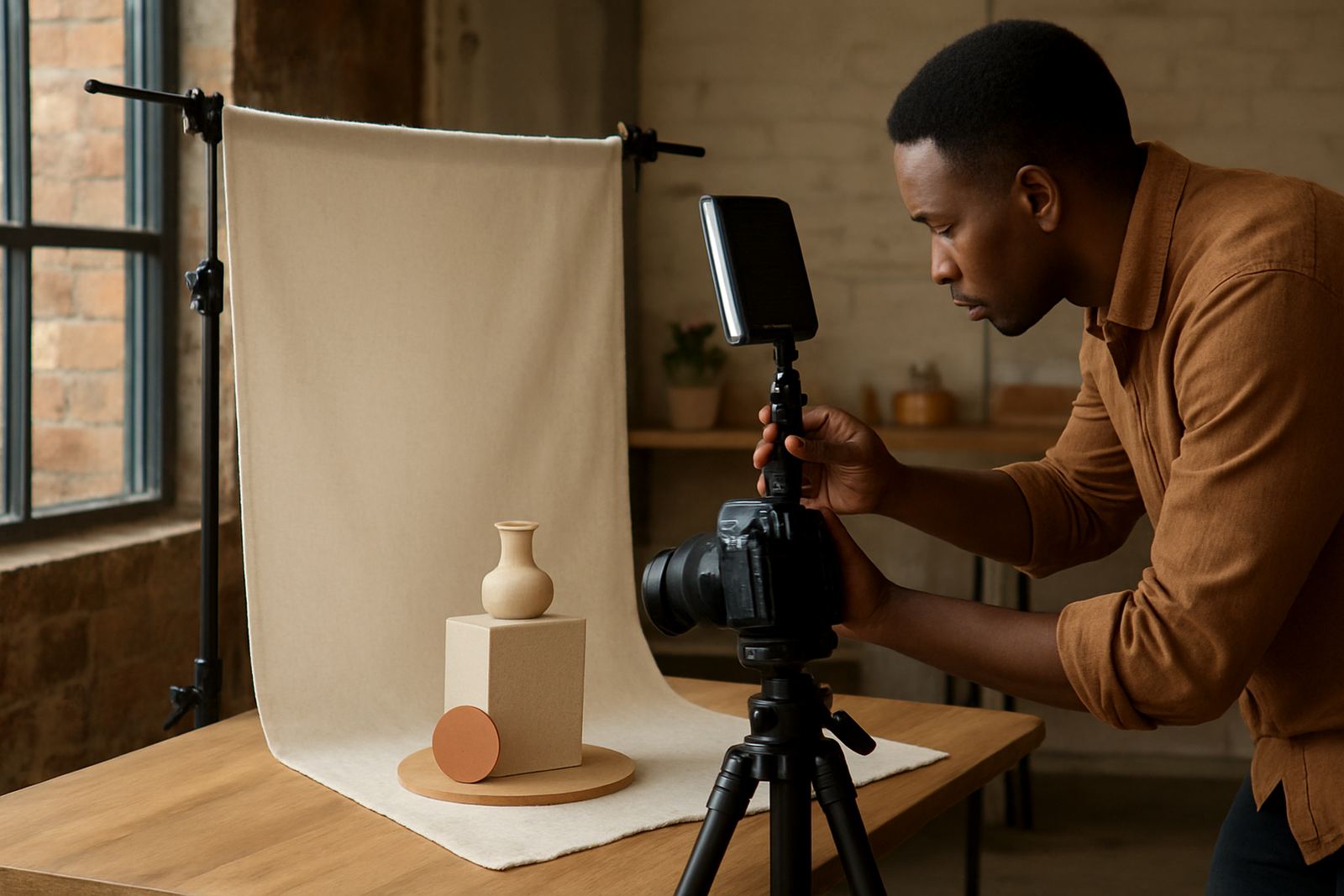
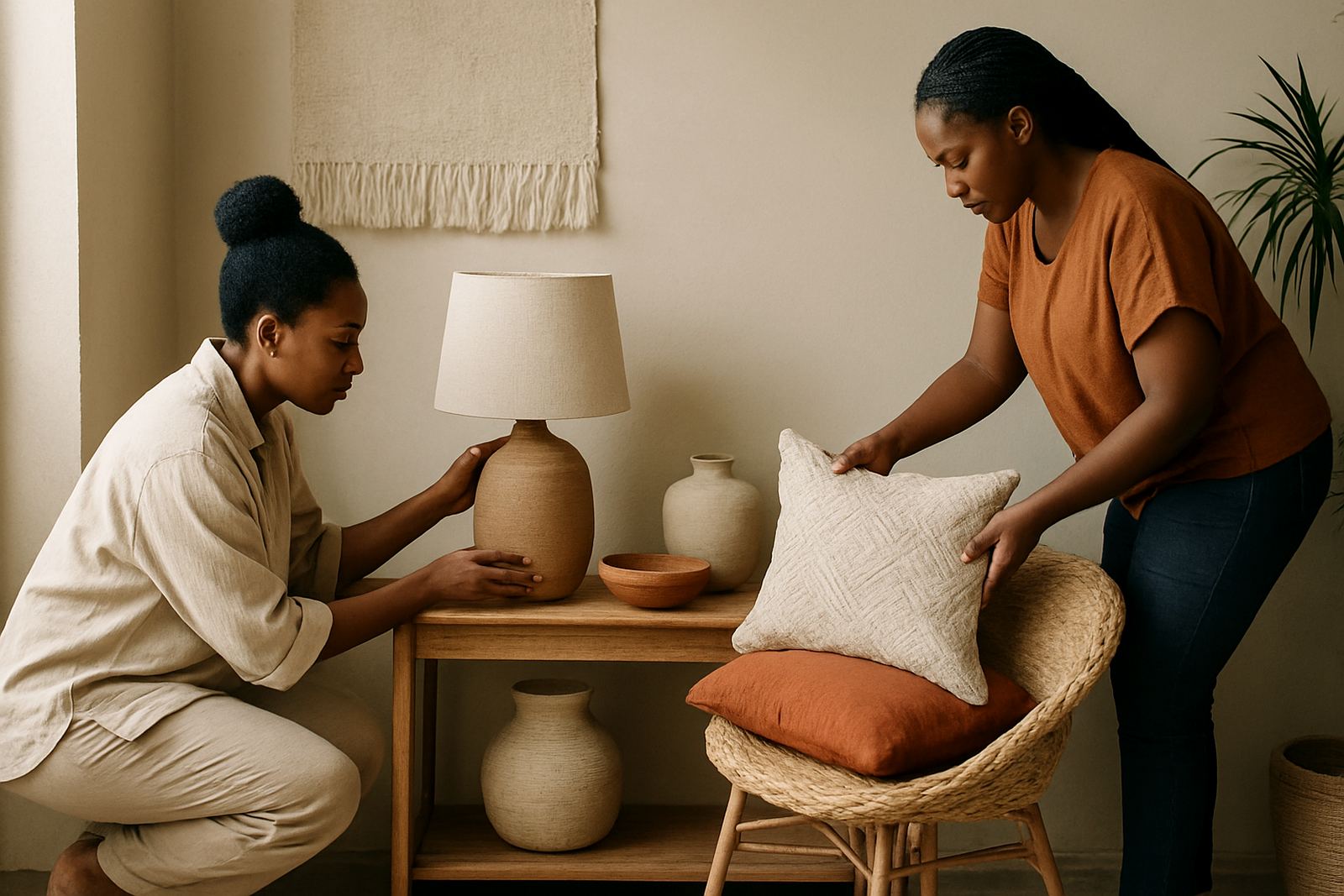
- Simple lighting, backdrop and camera gear for creator photography and product styling
- UPS or power bank support for load-shedding and transportable sessions
How to plan a layout that works for the brief
A good layout starts with the final use. Will the work live on Instagram, YouTube, a website, a pitch deck or a client presentation? Each one needs a different crop, text weight and file size. Keep the most important visual in the safe area, leave breathing room for captions, and export in the formats the client actually needs. Too many creators only think about the hero image and forget the variants.
In our showcase and portfolio feedback sessions, we often advise creators to separate working files from output files, and to keep naming simple. Version control saves a lot of stress when five people are giving comments. If the project involves a collaboration, set who owns what early, because unclear credit and unclear file handover causes problems later. It sounds basic, but it matters.
- Plan for square, vertical and horizontal crops from the start
- Keep text away from edges and interface areas on mobile screens
- Use folders for source files, exports and final delivery
- Agree on file names, deadlines and approval steps before production starts
Common mistakes we see from digital creatives
The biggest mistake is underpricing the work because the creator only counts time spent drawing or editing. You also need to factor in admin, revisions, storage, software, travel, and the hours spent learning tools or fixing files. Another common issue is sending a portfolio that is too broad. If you do motion, illustration and UI, the viewer still needs to understand what you want to be hired for first.
We also see people exporting files too small, building for one platform only, or using unstable backup habits. A missing drive or corrupted export can cost a whole week. For online audiences, creators should check colour, sound, subtitles and mobile readability before launch. And if the work is meant for sponsors or partners, the story around the work should be just as clear as the visuals.
- Pricing only the making and forgetting revisions, admin and delivery
- Sending one generic portfolio instead of a focused selection
- Using low-resolution exports for pitch packs or client sign-off
- Keeping only one copy of important files
- Skipping credit, usage rights and handover terms
Budget ranges in Rand for a digital creator setup
Starter setups can begin around R12 000 to R25 000 if you already have a laptop and just need a tablet, storage and basic peripherals. A solid mid-range setup for regular illustration, editing or motion work usually sits between R30 000 and R70 000. If you are running heavier animation, compositing or content production, budgets can move from R80 000 to R180 000 or more, depending on screen quality, memory and backup.
For event attendance, portfolio photography and showcase prep, allow extra for transport, printing, backdrop material and styling items. In Johannesburg and Pretoria, many creators also set aside a small monthly amount for data, cloud storage and power backup. It is better to build steadily than to buy everything at once and end up short on operating cash.
- Starter: R12 000 to R25 000
- Mid-range: R30 000 to R70 000
- Heavier production: R80 000 to R180 000+
- Monthly operating allowance: R500 to R2 500 for data, backup and small consumables
How our programme support fits your next step
PioCreat Africa supports digital creators with mentor matching, portfolio feedback, collaboration facilitation and creator profile writing. We also help with pricing support, market readiness and online session hosting, so the work can move from a private file folder into a clear public offer. Whether you are in the Braamfontein Chapter, Rosebank, Soweto or joining from Nairobi online, the idea is to get you closer to the right partners and audiences.
Our team works from Braamfontein, Johannesburg, and the community is led by practical people who understand what it takes to ship work. Thabiso Mokoena heads the network, with programme and events support from Lusanda Mtshali, Anele Khumalo, Musa Naicker, Nosipho Baloyi, Sipho Mthembu and Farai Chikosi. If your digital work needs sharper presentation, better pricing, or a better route to market, this is the kind of support that helps you move with more certainty.