
What Nairobi Connection Hour Covers
Nairobi Connection Hour is a scheduled community session that brings together creators from Nairobi, Johannesburg, Pretoria, Cape Town, Durban and online. It is set up for real interaction, not passive listening. Members can introduce current work, ask for feedback, compare pricing, discuss collaborators and find people who understand the pressure of building across borders.
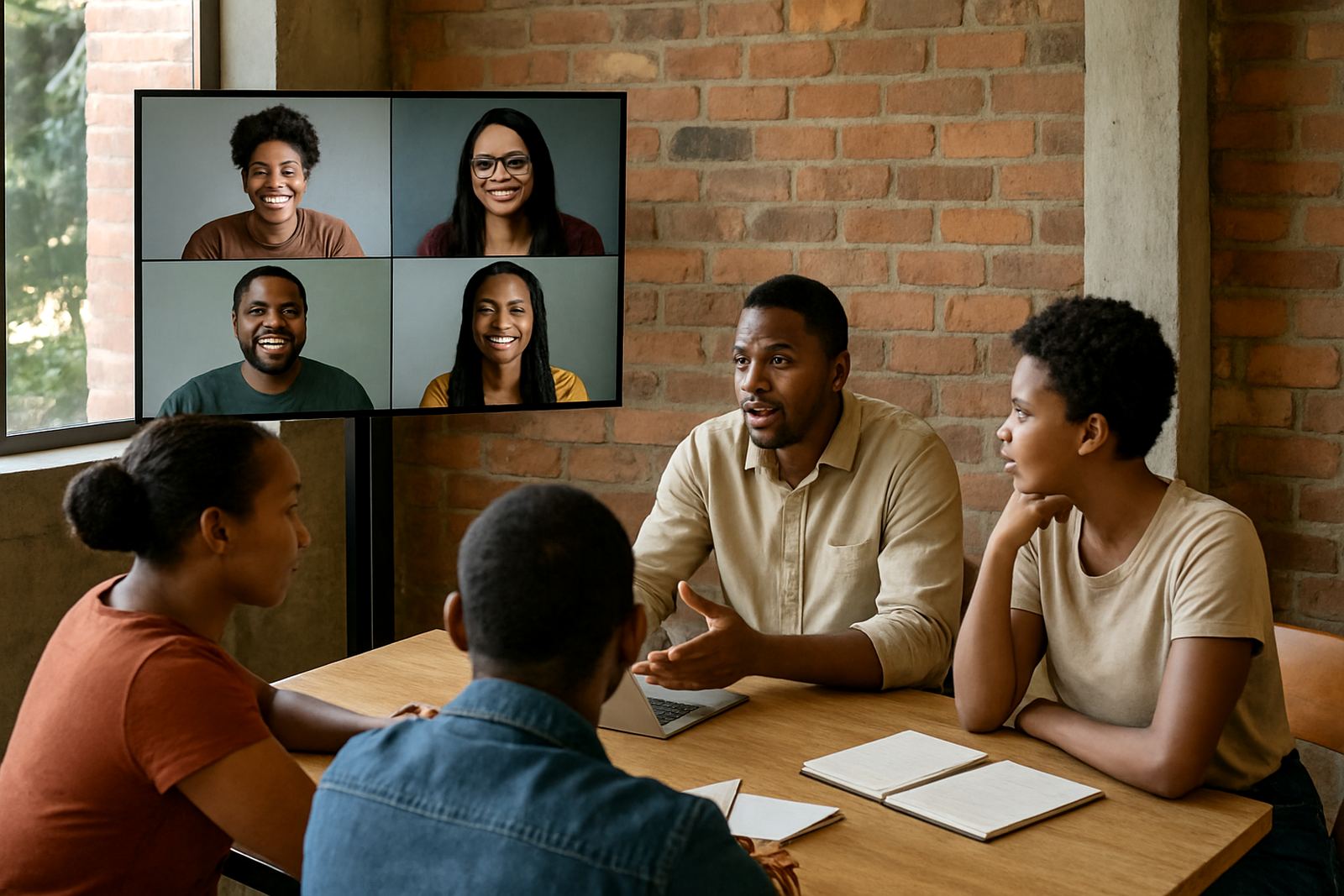
Each session is moderated so the hour stays focused. We usually open with a short welcome, then move into creator spotlights, peer response and a connection round. Depending on the brief, the session may include mentor input, a short showcase segment or a themed discussion around product readiness, pitching, or collaboration etiquette. The format stays practical and steady, with enough room for people to speak without the meeting running long.
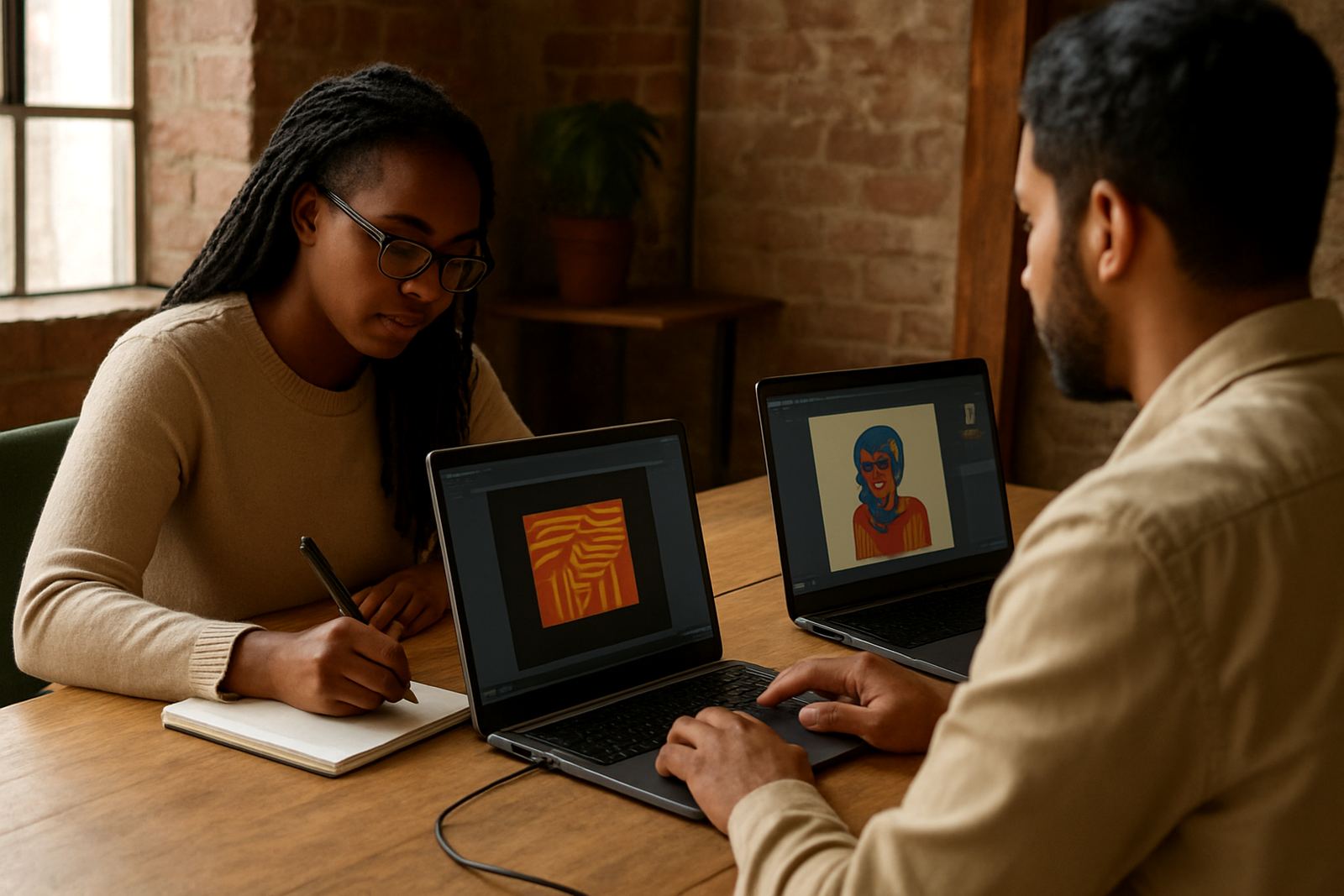
This product works well for makers, designers, workshop teams and digital creators who need a structured touchpoint with Nairobi peers and South African counterparts. It is especially useful when a group wants to test ideas before a launch or find partners for a joint project. A clear agenda matters here, because people are often joining from different cities and time zones.
Session Sizes, Format and Add-Ons
The standard session is designed for 12 to 30 participants, which keeps discussion manageable and allows each person a fair turn. Smaller groups can work well for mentor matching or portfolio feedback, while larger sessions suit open community meetups and showcase nights. For bigger audiences, we split the hour into speaking blocks and breakout rooms so the flow does not become messy.
- Small circle: 6 to 12 people, ideal for feedback, introductions and focused collaboration calls.
- Standard room: 12 to 30 people, the most common option for creator meetups and connection sessions.
- Extended session: 30 to 60 people, used for showcases, partner introductions and mixed-city conversations.
- Add-ons: creator photography, creator profile writing, collaboration facilitation and portfolio feedback can be added to the session brief.
If your group wants a more formal feel, we can shape the session around a host, timed prompts and a short speaker list. If it is meant to feel warmer and more open, we use a round-table style with guided introductions. Either way, the session is designed to help people leave with names, next steps and a better sense of who does what.
Where It Suits Best
Nairobi Connection Hour suits co-working spaces, creator studios, community halls, gallery rooms, campus venues and private meeting rooms with reliable internet. In Johannesburg, that often means Braamfontein, Rosebank, Newtown or nearby spaces with easy access by car, taxi or Gautrain. In Nairobi, venues in central creative districts work well if they have parking, security and a quiet room that can handle a live session without noise leaking in.
It also works well online when members are joining from multiple cities. For remote sessions, the main requirement is a stable internet line and a quiet space with enough room for the host, camera and sound setup. If the room is too echoey or shared with foot traffic, the session tends to lose pace and people stop hearing each other clearly.
Best-fit settings include:
- Monthly chapter meetups with a Nairobi link-in
- Mentorship circles with guest input from another city
- Showcase prep sessions before a launch or market appearance
- Partnership conversations for product, content or event work
Installation and Venue Setup Needs
For in-person sessions, the venue needs a simple but organised setup. You need enough seating for the confirmed headcount, a table or front area for the host, and clear sight lines to the screen if a presentation is included. A projector or large screen is helpful, but not essential if the group is small. If the room has bad acoustics, a small speaker and microphone should be included so people at the back are not straining to hear.
Power needs are modest, but the venue should have access to at least two reliable sockets for laptop charging, audio equipment and presentation gear. In Johannesburg and other cities where load-shedding can still interrupt a programme, it helps to have backup power or a charged inverter for the laptop and router. For a live hybrid session, a backup data connection is worth having as well, because public Wi-Fi can be shaky at exactly the wrong time.
- Flat floor space with chairs arranged in a circle or semi-circle
- One table for registration, notes or branded materials
- Projection wall or screen if slides are part of the session
- Working lights and a quiet room with doors that close properly
- At least one backup power option for the host station
No gas is needed for the session itself. If the venue includes catering or a kitchen area, confirm those arrangements separately and check whether the venue has any municipal or building rules on food service, noise and closing times. That simple check avoids awkward delays on the day.
Care, Servicing and Session Rhythm
Nairobi Connection Hour does not need heavy maintenance, but it does benefit from steady planning. Keep the participant list current, confirm attendance 48 hours ahead and test all sound, video and login links before the session starts. If the event is recurring, rotate the theme so the group does not hear the same questions every month.
For in-person meetings, the room should be reset after each session and any borrowed equipment packed away straight after use. Microphones, chargers and extension leads should be checked for wear. If you are using a shared venue, ask who is responsible for cleaning, security and after-hours lock-up, because those small details become a problem fast when people are rushing for transport.
We also recommend keeping a short record of the session outputs: names, collaboration leads, mentor matches and follow-up actions. That makes the next meeting more useful and gives the community a proper trail of progress instead of just a pile of loose chats, which is where many group programmes fall apart.
What to Check Before You Order
Before you book Nairobi Connection Hour, check the number of attendees, the mix of in-person and online participants, the session length and whether you want a moderated format or a looser networking hour. If you need showcase support, confirm what work will be presented and whether products need styling, photography or portfolio notes before the day. Clear input helps us set the right pace and avoid overpacking the hour.
It also helps to confirm the time zone, the venue address, parking, security and any access needs for guests. If your group includes creators from different countries, make sure everyone understands the speaking order and the purpose of the meeting. A few minutes spent on prep saves a lot of confusion later.
- Final headcount and participant cities
- Whether the session is in-person, online or hybrid
- Preferred start time and time zone
- Any equipment required for slides, sound or recording
- Special requirements for accessibility, seating or security
When all of that is confirmed early, the session feels calmer and the conversation stays useful. That is the point of this product: not just bringing people together, but making sure they can actually connect and follow through afterwards.
Who Leads the Session
The programme is guided by the PioCreat Africa team from Braamfontein, Johannesburg, with support from the wider chapter network. Depending on the brief, the session may be led by the Programme Lead, Community Partnerships Manager, Showcase Producer, Mentorship Coordinator, Digital Community Manager or Operations and Events Lead. That gives the hour the right mix of structure, community feel and follow-up.
We keep the tone practical and respectful. Members come with different levels of experience, so the host has to keep the room steady and make sure nobody dominates. When that is done properly, Nairobi Connection Hour becomes one of the most useful sessions on the calendar, because people leave with real contacts, not just a nice feeling and a photo.
Key facts
| Session type | Cross-city creator connection, showcase and feedback session |
|---|---|
| Typical duration | 60 minutes, extendable to 90 minutes on request |
| Group size | 6 to 60 participants depending on format |
| Format | In-person, online or hybrid |
| Power needs | Laptop charging, audio gear and stable internet; backup power advised during load-shedding |
| Venue needs | Quiet room, seating, screen or projection wall, and space for moderated discussion |