
What the Online Collab Room is for
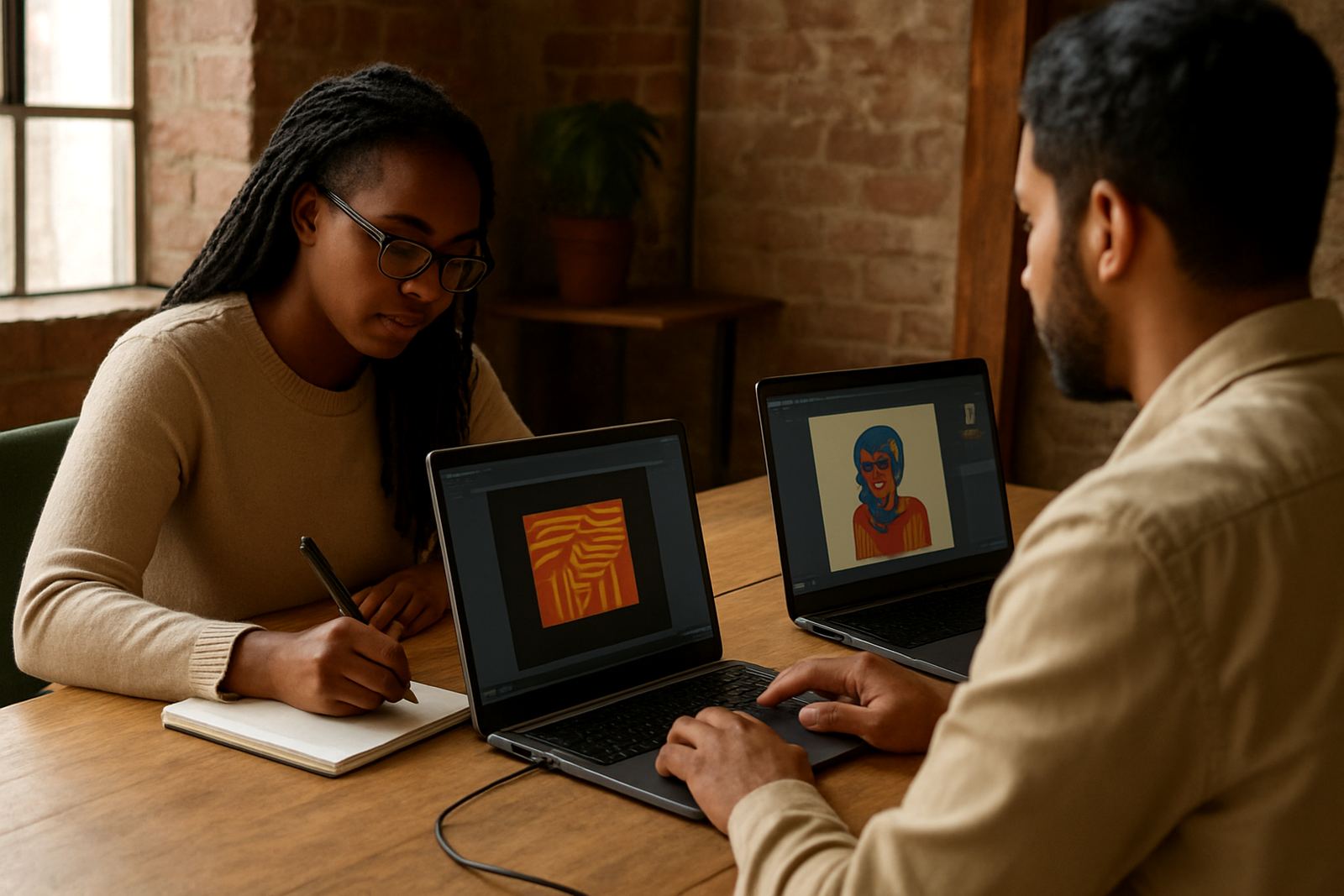
The Online Collab Room is built for creators who need more than a quick video call. It gives your team a proper space for introductions, brief sharing, idea testing and collaboration planning, with a clear start, meeting flow and follow-up. It suits members based in Johannesburg, Cape Town, Durban, Pretoria, Nairobi and other cities where people are working across time zones and busy schedules.
Sessions are led with a practical rhythm so everyone knows why they are there and what must come out of the discussion. That can be a partner introduction, a product collaboration, a joint showcase idea, or a regional rollout plan. It is especially useful when a project has more than one decision maker, because the room keeps the conversation focused and on time.
- Remote introductions for creators, curators and workshop teams
- Briefs for product launches, showcases and market prep
- Cross-border collaboration planning with action points
- Mentor led sessions for pricing, timing and presentation
Session sizes and format options
The Online Collab Room is offered in a few practical formats so you can choose what fits the job. A 30 minute intro room works well for first contact and project screening. A 60 minute planning room gives enough time for a fuller brief, review of assets and next steps. For multi-country teams, the 90 minute collaboration room allows space for partner alignment, role split and timeline mapping.
If you are running a larger programme, the room can be set up for a series of sessions over a month, with one theme per meeting. That suits community partnerships, showcase cohorts and mentorship circles that need repeat engagement. Some groups prefer a small room with 4 to 6 people, while others need a wider session for 10 to 20 participants. The format can be adjusted to the number of speakers and the level of interaction needed.
- 30 minute intro sessions for quick matching
- 60 minute planning sessions for briefs and feedback
- 90 minute collaboration sessions for multi-party projects
- Series bookings for cohorts, chapters and regional groups
Where it suits best
This programme works well for creatives who are spread across towns and countries but still need a clean way to work together. It suits product designers, digital creators, craft collectives, photographers, styling teams and event teams who want to compare ideas before they commit. It is also useful for people in Braamfontein who are meeting partners in other provinces or across the continent, since travel costs and load-shedding can make in-person planning harder to organise on short notice.
The Online Collab Room is a good fit for launches, showcase preparation, market entry conversations and mentor matching. It also supports partner discovery for members looking to share production, distribution or content support. If your work depends on one clear decision from three different people in different places, this format keeps the process moving without wasting time.
- Cross-city creator partnerships
- Showcase and launch planning
- Mentorship and peer review sessions
- Remote market readiness checks
What you need to join a session
Because this is a digital programme, there is no gas requirement and no physical installation on site. What you do need is a stable internet connection, a charged laptop or phone, and a quiet place to join from. For better sound and picture, we recommend a headset with a microphone, a camera that gives a clear front view, and enough data for the full session. A 60 minute call can use around 1 GB to 2 GB of data depending on video quality.
If you are joining from an area with load-shedding, keep a backup power bank, charged device or inverter ready before the session starts. In Braamfontein and similar busy city areas, it also helps to check for noise from traffic, generators or nearby trade activity. We ask participants to test audio, video and screen sharing in advance, especially when briefs, pricing sheets or product images need to be reviewed live.
- Stable internet connection, preferably uncapped or enough data for the session
- Laptop, tablet or smartphone with camera and microphone
- Headset recommended for clearer sound
- Backup power for load-shedding or battery drops
Care, follow-up and session support
There is no physical cleaning or mechanical servicing needed, but the room works best when the digital setup is kept in order. Save your files in advance, rename images clearly and keep your profile notes up to date. If you are presenting a product, have your pricing, dimensions and production lead time ready. That helps the session stay practical and stops useful time getting lost on admin.
After each meeting, participants should receive the agreed next steps, whether that is a second call, an introduction, a brief revision or a showcase submission. Where needed, the Community team can help with creator profile writing, collaboration facilitation and market readiness support so the conversation continues after the live session ends. One or two good follow-up notes can save a lot of back and forth later.
- Keep files labelled and current
- Check camera, sound and internet before joining
- Share pricing, images and brief notes early
- Confirm action items after the session
What to check before you book
Before ordering a session, check who needs to attend, what outcome you want and how much time is really needed. If the brief is simple, a short intro room may be enough. If you need feedback on a product line, creator partnership or continent wide rollout, book a longer format. It also helps to confirm the main language for the call, any time zone differences, and whether screen sharing or portfolio review will be required.
For team bookings, make sure all names, roles and contact details are correct on the enquiry form. If the session involves a showcase, media assets or product styling notes, send the material early so the moderator can plan the flow. When sessions include partners from Cape Town, Durban, Pretoria or Nairobi, allow for time differences and a little buffer in case one person is joining from a crowded venue or unstable connection.
- Number of participants and decision makers
- Preferred session length and outcome
- Time zone and language needs
- Files, images or links to review during the call
Key facts
| Product type | Digital collaboration programme |
|---|---|
| Session lengths | 30 minutes, 60 minutes, 90 minutes |
| Group size | 1 to 20 participants depending on format |
| Access method | Online via scheduled session link |
| Power needs | None on site, device battery or backup power recommended |
| Data use | Around 1 GB to 2 GB per hour for video sessions |